Royal Admin Studio

Royal Crest
THE ROYAL HALL Admin Panel
All saved
Visual Builder ↗ View Live Website
R

Welcome to the Customization Studio

Select a feature below to start editing your The Royal Hall website. All changes preview live before publishing.

13
Editor Pages
40
Animations
40
Effects
50
Font Anims
Page 1
Logo Management
Resize, reposition, and replace your logo with live preview
Page 2
Navbar Customization
6 designs, 10 button styles, 10 animations, 10 hover effects
Page 3
Hero Image Editor
Upload, resize, position, and animate your hero image
Page 4
Hero Heading Editor
12 animations, 10 fonts, 30 color combos, typography controls
Page 5
Hero Subheading
30 typography presets, font controls, color and spacing
Page 6
Background & Animation
15 animated backgrounds, overlays, gradients, effects
Page 7
Video Management
Upload, crop, position and control video playback
Page 8
Image Library
Manage all 43 website images: upload, rename, crop, delete
Page 9
Theme Library
10 one-click professional themes with live preview
Page 10
Animation Library
40 pre-built animations with speed, delay, and target controls
Page 11
Visual Effects
40 effects: glassmorphism, neon, shadows, hover, gradients
Page 12
Components Library
40 reusable components: cards, buttons, sections, forms
Page 13
Font Animation
50 text animation presets: typewriter, wave, shimmer & more

3. Hero Image Editor

Upload, resize, position and animate your hero image with live preview.

Page-specific Hero Editor
Home

Choose a page in the top bar. These settings override only that page; blank text fields inherit its current content.

Image position X50%
Image position Y50%
Hero heightAuto
Overlay opacity0%
Page-specific Button Editor
Home · Primary hero

Choose an individual button on the selected page, then edit its label, destination, colour and size.
Choose a button directly in the live preview.
Hero Image
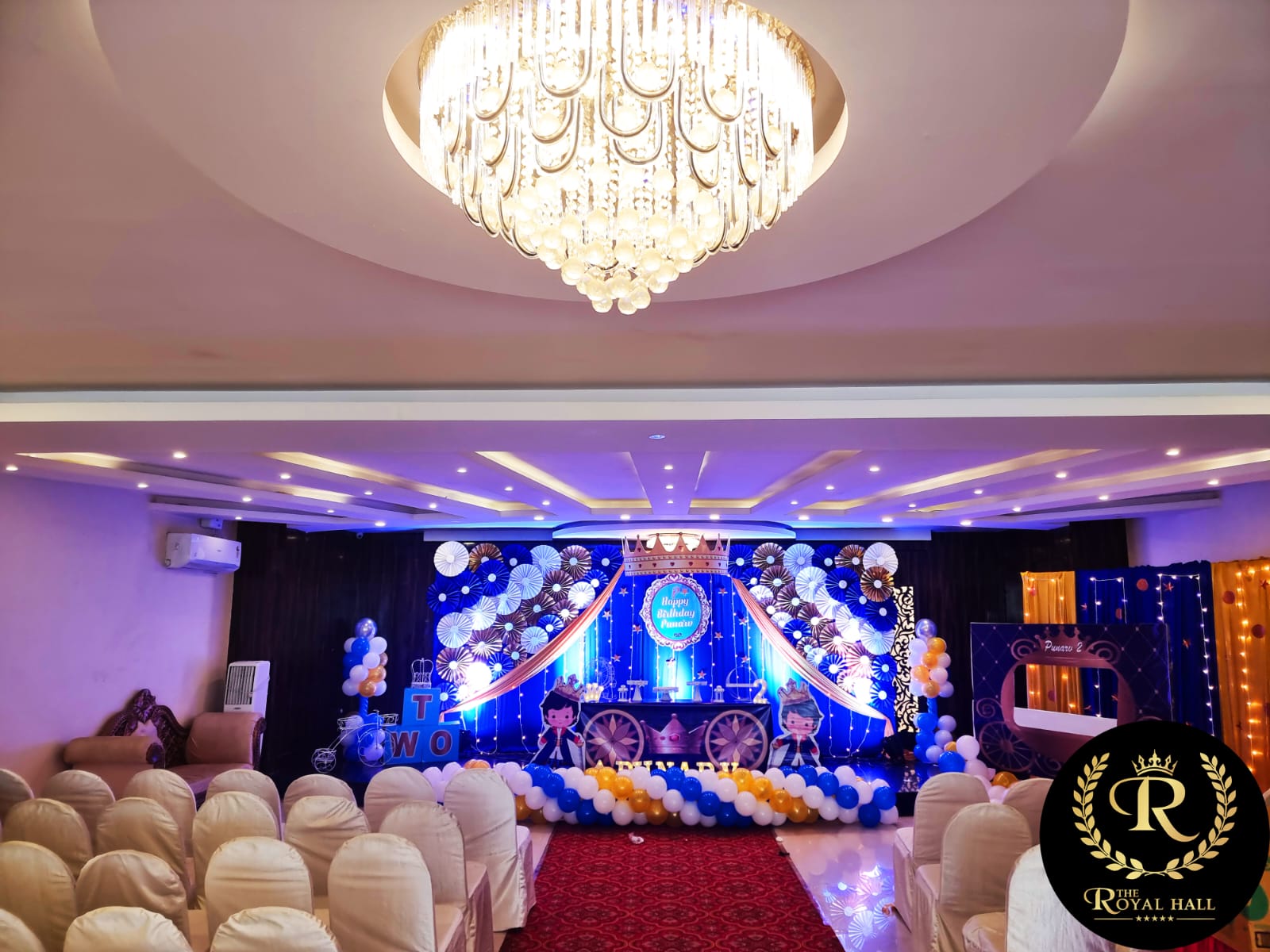
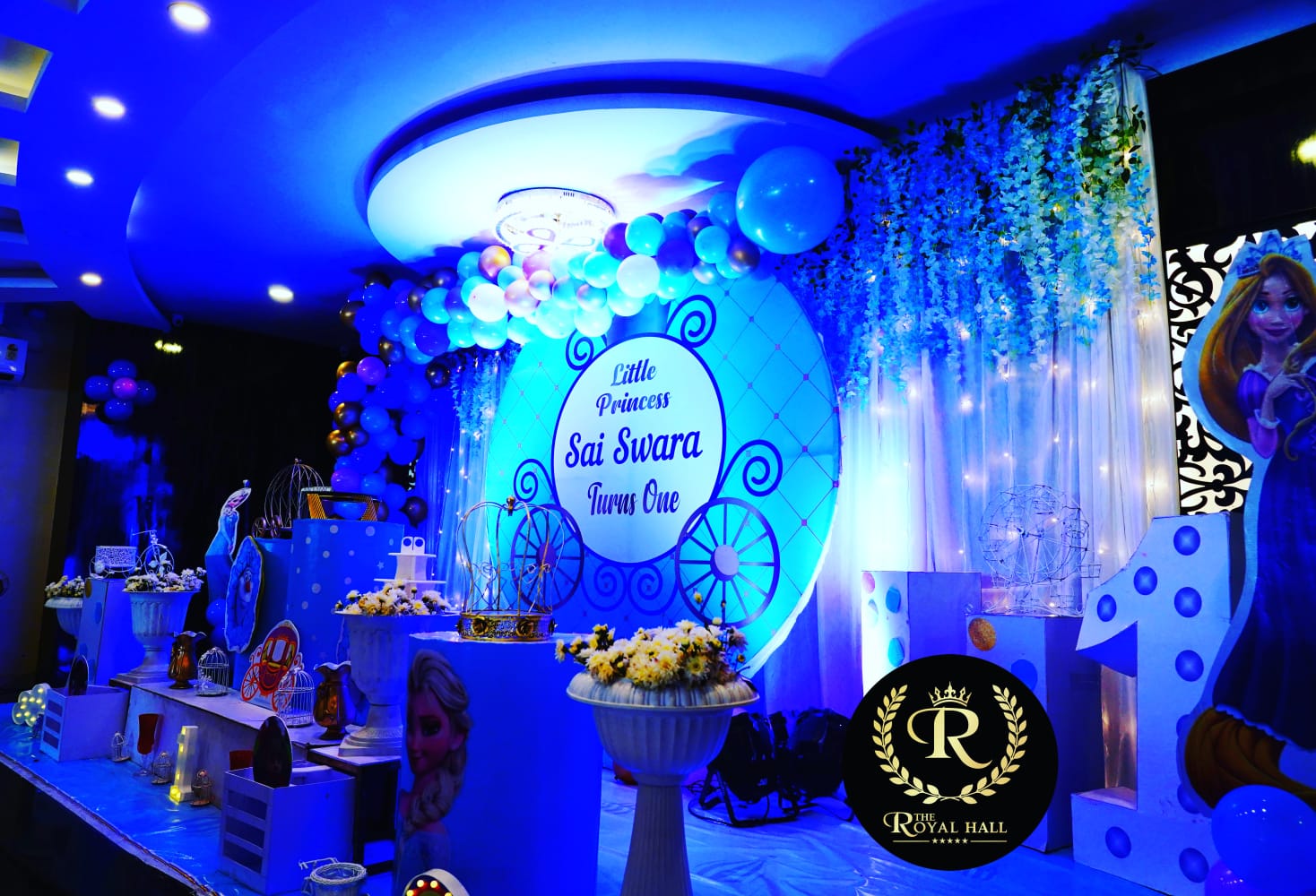
1920×800+
Hero Preview

Recommended: 1920 × 800 or higher
Position & Resize
Scale100%
Position X50%
Position Y50%
Hero Height70vh
Image Display Mode
Hero Image Animations (10)
View All
🚫
None
Zoom In
Zoom Out
Fade In
Slide Up
Slide Left
Slide Right
Parallax
Ken Burns
Blur In
Overlay & Filters
Opacity40%
Brightness100%
Contrast100%
Advanced Options
Enable Ken Burns Effect
Parallax Scrolling
Add Gradient Overlay
Show Decorative Elements
1.2s
0.3s
Image Blur0px
🔴 Live Preview — The Royal Hall Website

4. Hero Heading Editor

12 animations • 10 fonts • 30 color combos • typography controls

Heading Text
12 Heading Animations
Live
🚫
None
✨
Fade Up
⬇️
Slide Down
📝
Typewriter
🌊
Wave
💥
Explode In
🌫️
Blur Reveal
⚡
Glitch
🎯
Bounce In
🔠
Scatter
💫
Gold Shimmer
🎭
Masked
10 Font Options
Playfair DisplaySerif
Plus Jakarta SansModern
Georgia ClassicClassic
Courier MonoMono
Impact BoldDisplay
Elegant ItalicItalic
LIGHT SPACEDSpaced
Ultra BlackHeavy
Times New RomanTraditional
Gold Royal FontGold
30 Trending Color Combinations
30
Gold
White
Ruby
Lavender
Ocean
Mint
Rose
Sunset
Slate
Amber
Teal
Violet
Navy
Crimson
Honey
Silver
Sky
Forest
Coral
Cream
Royal Blue
Scarlet
Cyan
Storm
Pink
Jade
Dark Red
Lime
Autumn
Deep Navy
Typography Controls
Font Size56px
Line Height115
Letter Spacing-1px
Text Alignment
🔴 Live Preview — Hero Heading

5. Hero Subheading Editor

30 typography presets • font controls • color • spacing

Subheading Text
30 Typography Presets
30
Regular Light
Bold Clean
Elegant Italic
LIGHT SPACED
Gold Accent
Underlined
ALL CAPS BOLD
Highlighted
Monospace
Glow Text
Show all 30 presets →
Colors & Typography
Font Size18px
Line Height160
Alignment
🔴 Live Preview — Subheading

6. Background & Animation

Upload backgrounds • 15 animated effects • overlays • gradients

Background Image
Background

Upload Background Image

JPG, PNG, WebP • Use a permanent URL for larger images
Use a permanent HTTPS/CDN URL so every visitor can load the image.
15 Pre-Built Background Animations
15
🚫
None / Static
🌊
Gold Wave
✨
Particle Stars
🌊
Ripple Ocean
🔄
Rotating Gradient
💫
Pulsing Glow
🌟
Aurora
⚡
Lightning
🔮
Galaxy Drift
🌿
Matrix Rain
🔥
Fire Flicker
❄️
Snow Fall
💧
Bokeh Bubbles
🌸
Confetti
🔲
Grid Pattern
Overlay & Positioning
Overlay Opacity30%
Position X50%
Position Y50%
Fixed background (parallax)
Gradient overlay
🔴 Live Preview — Background

7. Video Management

Upload, crop, position, and control video playback settings.

Video File
No video uploaded

Upload Video File

MP4, WebM recommended • Max 50MB for web
The file picker is for local preview only. Paste a public HTTPS/CDN URL to save a video that works for every visitor.
Playback Controls
Autoplay
Loop
Muted
Show Controls
Play inline (mobile)
Crop & Position
Position X50%
Position Y50%
Object Fit
🔴 Live Preview — Video

8. Image Library

Manage all website assets — upload, rename, crop, resize, delete.

43
Total Images
0
Selected
~15MB
Total Size

Upload New Images

Multiple files supported • Click or drag & drop
Cloudinary CDN storage

Uploads use short-lived signed requests from the backend. Configure Cloudinary cloud name, API key, and API secret in Render Environment. No unsigned preset or secret is stored in this browser.

Connection has not been checked.
Resize & Crop Selected
No image selected
Widthauto
Heightauto
🖼️ Image Library — 43 Assets

9. Theme Library

10 one-click professional themes. Click to preview, apply instantly.

10
Themes
1
Active
Select Theme
One-Click Apply
Custom Theme Colors
Primary Gold
--gold
Background
--bg
Dark Ink
--ink
Cream Accent
--cream
🔴 Live Preview — Themes

10. Animation Library

40 pre-built animations with speed, delay, duration, and target controls.

40
Animations
0
Active
Animation Library
Click to Toggle
Animation Settings
Animation Speed1.0s
Delay0.0s
Duration500ms
Apply To
Direction
Trigger on scroll
Repeat on every view
🔴 Live Preview — Animations

11. Visual Effects Library

40 visual effects: glassmorphism, neon, shadows, hover, gradients.

40
Effects
0
Active
Filter by Category
Visual Effects
Click to Apply
Effect Settings
Intensity100%
Preview effects in real-time
🔴 Live Preview — Visual Effects

12. Components Library

40 reusable components: cards, buttons, sections, forms, and more.

40
Components
0
Added
Filter Category
All Components
Click to Add
🔴 Live Preview — Components

13. Font Animation Library

40 text animation presets: typewriter, wave, shimmer, scatter & more.

Animation Preview
A Royal Celebration Awaits
40 Font Animation Presets
40
Animation Controls
Speed1.0s
Delay0.0s
Duration500ms
Apply Animation To
Repeat
🔴 Live Preview — Font Animations

⚙ Settings

Studio configuration and global preferences.

Admin Login Credentials
Secure

Change the Login ID and password used to access Admin Studio. Your current password is required, and you will be signed out after saving.

Checking secure session…

General Settings
Auto-save every 2 minutes
Show live preview updates
Keyboard shortcuts enabled
Animation previews in library
Confirm before destructive actions
Keyboard Shortcuts
UndoCtrl+Z
RedoCtrl+Y
Save DraftCtrl+S
Danger Zone
⚙️ Studio Settings

Studio Settings

Configure studio preferences, keyboard shortcuts, and global behavior from the left panel.

🚀 Publish to Live Website

You're about to publish all saved changes to the live The Royal Hall website. This will immediately update what visitors see.


• All 13 customization pages will be applied
• Changes take effect immediately
• You can revert by loading the last backup